Lumen / Open-source Kubernetes IDE
Your cluster, in context.
Use Lumen to work through Kubernetes problems from your desktop. Move between live resources, topology, logs, terminal access and YAML without leaving the environment you are investigating. Optional AI integration helps you ask questions about that evidence.
01 / Core workspace
Inspect, investigate and review in one workspace.
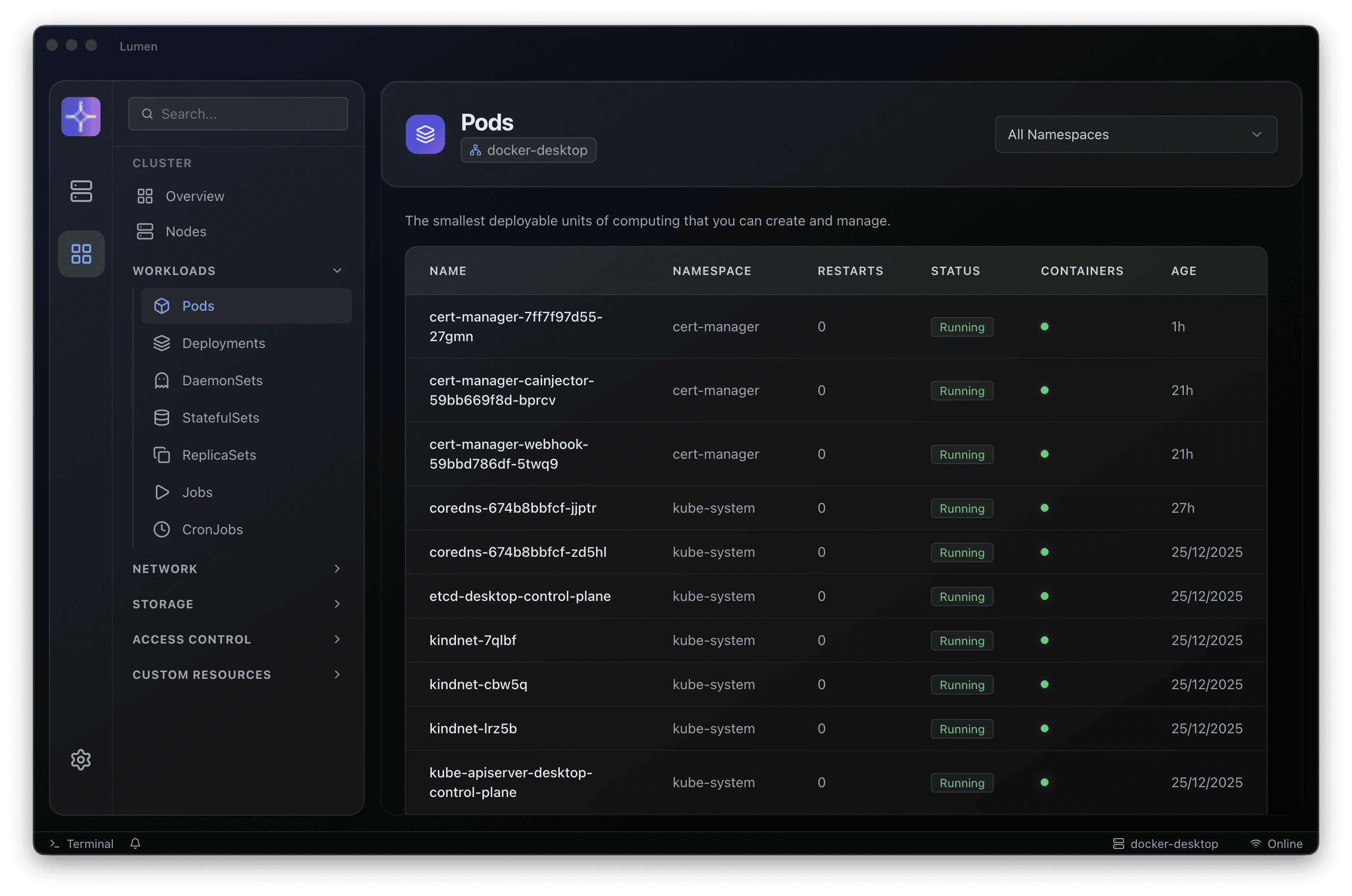
Live resources
Inspect workload and infrastructure objects, with watches for supported resources.
ExploreOperational tools
Stream and export logs, use terminals and manage port forwarding without losing your investigation.
ExploreYAML & revisions
Review resource configuration and supported deployment history and diffs in the same workflow.
Explore02 / A wider view
Understand what surrounds the symptom.
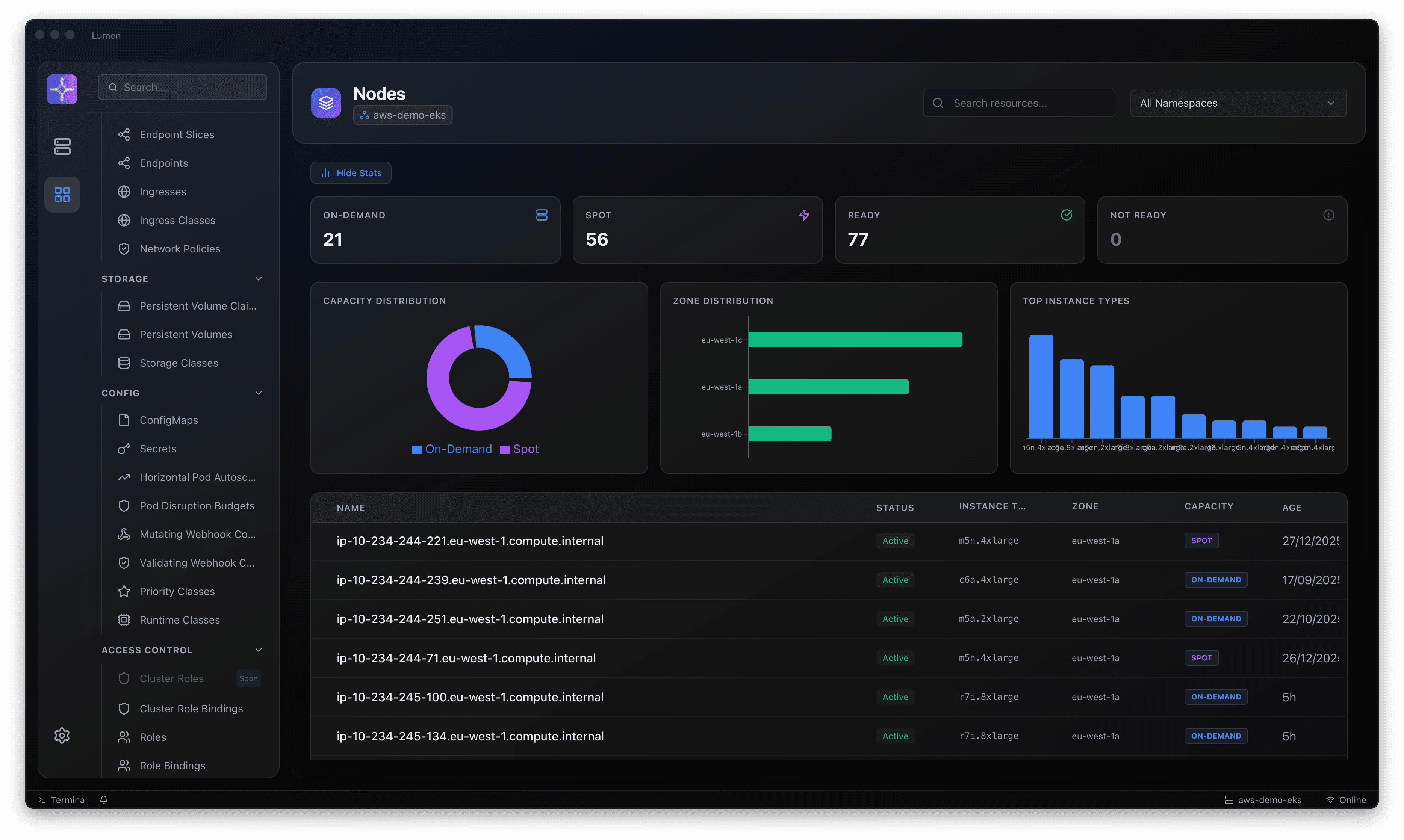
When a workload fails, its own status may only describe the symptom. Look at the node, related resources, configuration and supported cloud signals to build a better explanation before making a change.
- Explore the resource types your cluster and access allow.
- Use AWS-aware detail where the integration is configured.
- Treat AI explanations as assistance, then verify against evidence.
03 / Your operating boundaries
Familiar credentials. Deliberate actions.
Start from a known context and evaluate Lumen in a non-production environment before introducing it to wider teams.
- 01
Choose a release
Review release notes and available artefacts. Check compatibility and known limitations.
- 02
Connect a context
Use kubeconfig and appropriately scoped credentials. Verify namespace and role boundaries.
- 03
Configure optional AI
Choose a provider and review what resource and log context may leave the workstation.
- 04
Agree team workflows
Define review, change and escalation practices before broader rollout.
04 / Before you start
A few useful details.
Does core Lumen operation need a cluster agent?
The desktop workspace uses existing Kubernetes access. An in-cluster agent is not required for the core IDE. Operator-backed fleet capabilities are a separate roadmap direction.
Which AI providers can I use?
The product repository describes Gemini, AWS Bedrock and local OpenAI-compatible models. Availability and data handling depend on the release and your configuration.
Where are downloads and installation details?
Use the public release page for available artefacts and release-specific guidance. The source README also covers development prerequisites and building the application.
A clearer next step
Try Lumen in your own environment.
Choose a release, connect an existing Kubernetes context and work through an investigation your team knows well. Talk to us when you need help with rollout or enterprise adoption.